Drop a cap on that GIF. Under the limit.
Most gif compressors give you a quality slider and pray. gifcap binary-searches quality until your gif lands under the size you specify. Exact, predictable, fast.
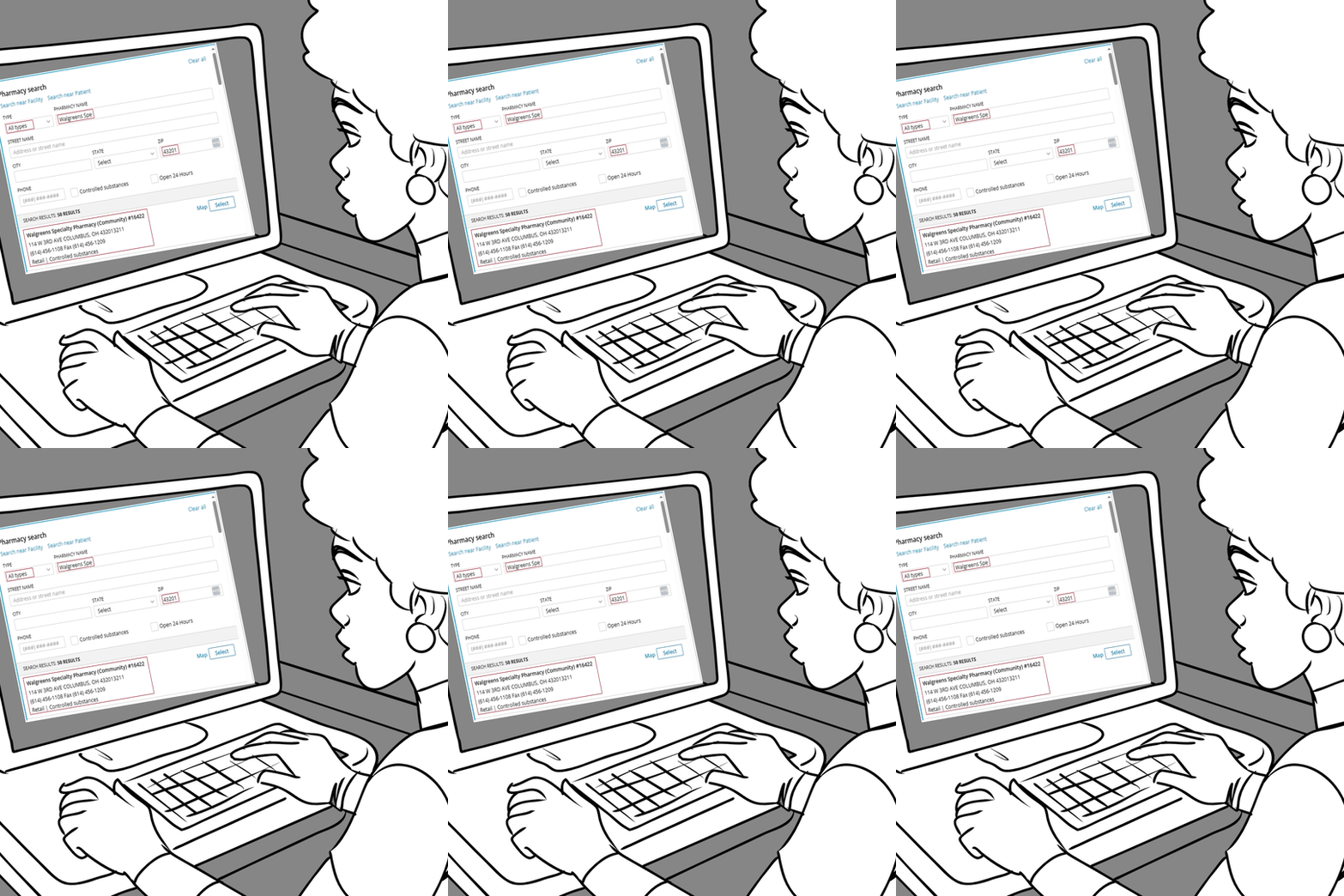
- online compressors give you a quality slider and a guess · cli ffmpeg loops require manual scripting · most tools sacrifice quality unevenly · re-uploading defeats privacy
gifcap. drag the source clip in. set the target size in mb or kb. gifcap binary-searches quality until your output fits. one click, deterministic outcome.
| axis | online compressors / cli ffmpeg | gifcap |
|---|---|---|
| hits exact target size on first try | slider-and-pray | always — binary search |
| quality at the target | dithered, smudged | gifski per-frame palettes |
| workflow | upload-and-wait or cli flags | drag-drop local |
| privacy | file leaves your machine | stays local |
| cost | free | free tier; pro $29 lifetime |
How gifcap solves this — in detail
Most GIF compressors expose a quality slider (1–100) and let you guess what value lands under your target file size. Two encodes, three encodes, sometimes ten — and even then you're guessing whether the chosen quality preserves the right detail. The whole loop is wrong because file size and quality have a non-linear relationship that depends on the source content's complexity, not the slider value.
gifcap's binary-search algorithm flips the problem. You specify the target file size; the algorithm samples quality values across the range and converges on the highest quality that lands under your cap. The math is well-known (binary search is O(log n) for a sorted output curve), but the implementation matters: gifcap uses gifski as the encoder so that quality reductions don't catastrophically degrade per-frame detail.
The privacy angle is real and underrated. Most online compressors require uploading the source to a server, processing there, and downloading the result. For confidential bug repros, internal demos, customer screens, or proprietary workflow capture, that round-trip is a non-starter. gifcap encodes locally — the source file never touches a network.
GIF compression — what to expect
- Algorithm: binary search over gifski quality 1–100
- Convergence: typically 4–7 encode iterations
- Per-iteration cost: roughly 2–6 seconds for a 10-second 720p source
- Output determinism: same input + same cap = same output
- Local-only encode: no source upload required
- Floor: file size cannot drop below ~1 byte per pixel × frame count regardless of quality