Drop a cap on that screen recording.
Recording is one tool. Encoding is another. Most flows make you upload between. gifcap is the local encoder for any Windows screen recorder you already use.
- upload-then-process is bottlenecked by bandwidth · ad-supported sites are slow and cluttered · file caps mean long recordings reject · privacy concerns for confidential or proprietary content
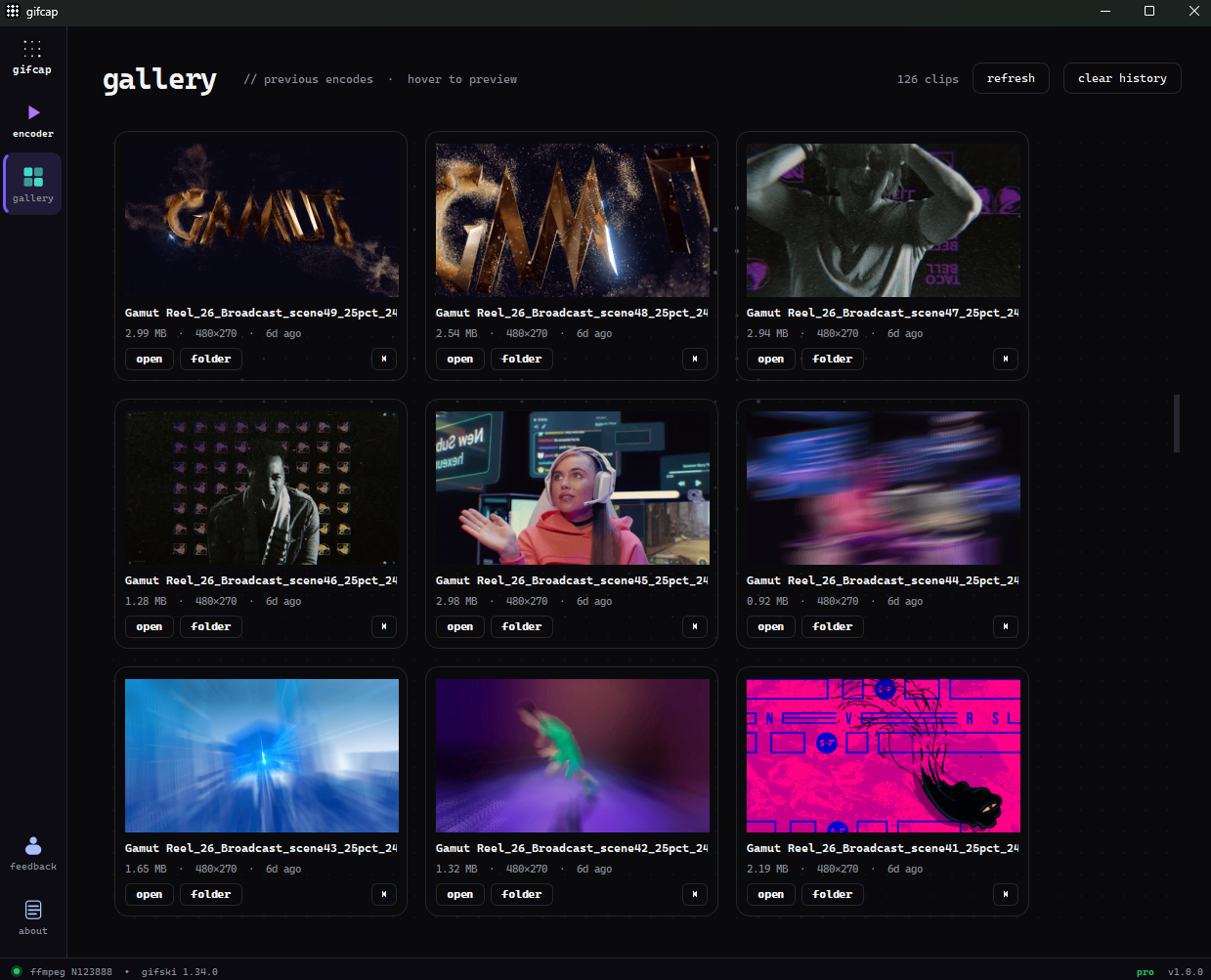
gifcap. record with sharex, obs, or windows game bar. drop the .mkv or .mp4 in gifcap. set fps, dimensions, size cap. gifcap encodes per-frame palettes locally. one tool for the encode step regardless of your recorder.
| axis | online tools / recorder-built-in encoders | gifcap |
|---|---|---|
| upload step | required | zero — runs locally |
| encoder | default ffmpeg | ffmpeg + gifski |
| hard size cap | trial-and-error | binary search |
| processing privacy | recording leaves your machine | stays local |
| compatible with your recorder | varies | any tool that exports mp4 / mkv / webm |
| cost | free | free tier; pro $29 lifetime |
How gifcap solves this — in detail
The classic Windows screen-recording-to-GIF stack splits responsibility across two tools — one for capture, one for encode — with the join point being a local intermediate file (typically MP4 or MKV). The split exists for good reasons: recorders need to be lightweight and frame-perfect during capture; encoders need to be flexible about palette, fps, and size after capture.
gifcap is the encoder side of that stack. It accepts MP4, MKV, MOV, WEBM, and AVI, so any modern Windows recorder produces input gifcap can read. ffmpeg handles the demux and frame extraction; gifski produces the GIF output with per-frame palettes. The binary-search size cap means the output fits whatever target you set on the first try.
The win for Windows users specifically is consolidation. macOS has tightly-integrated combos (CleanShot X for capture+encode, gifski.app for advanced encode). Windows has historically required gluing together ScreenToGif (capture+encode but dated UI) or piping ShareX → ffmpeg manually. gifcap completes the modern Windows stack: pair it with whatever recorder you prefer, and the encode side is always the same tool.
Windows screen recorders that pair with gifcap
- ShareX: free, OSS, exports MP4 / MKV / WEBM / GIF; the swiss army knife
- OBS Studio: free, OSS; exports MKV / MP4; best for long sessions and multi-source
- Windows Game Bar (Win+G): built-in; exports MP4; fastest for one-shot grabs
- Snipping Tool (Windows 11): built-in; exports MP4; tightly integrated with Win+Shift+S
- ScreenToGif: alternative, has built-in encoder (option for users who want one-tool flow)
- NVIDIA ShadowPlay / AMD ReLive: GPU-driven; exports MP4; great for game capture